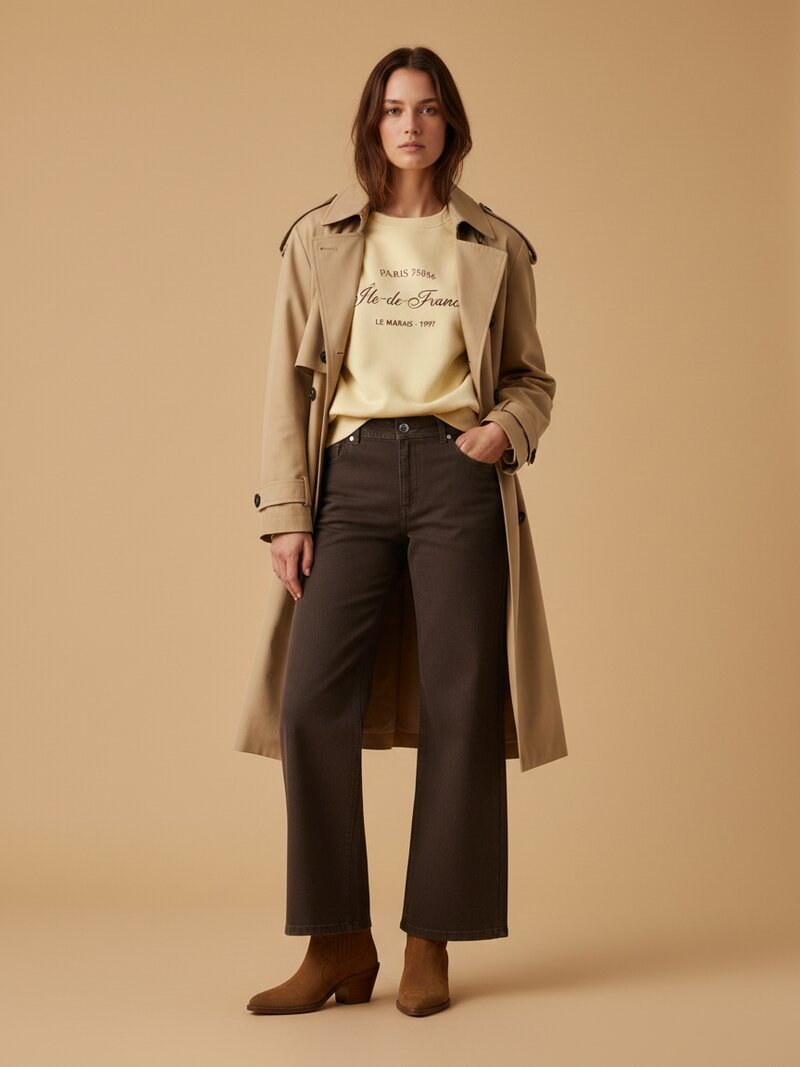
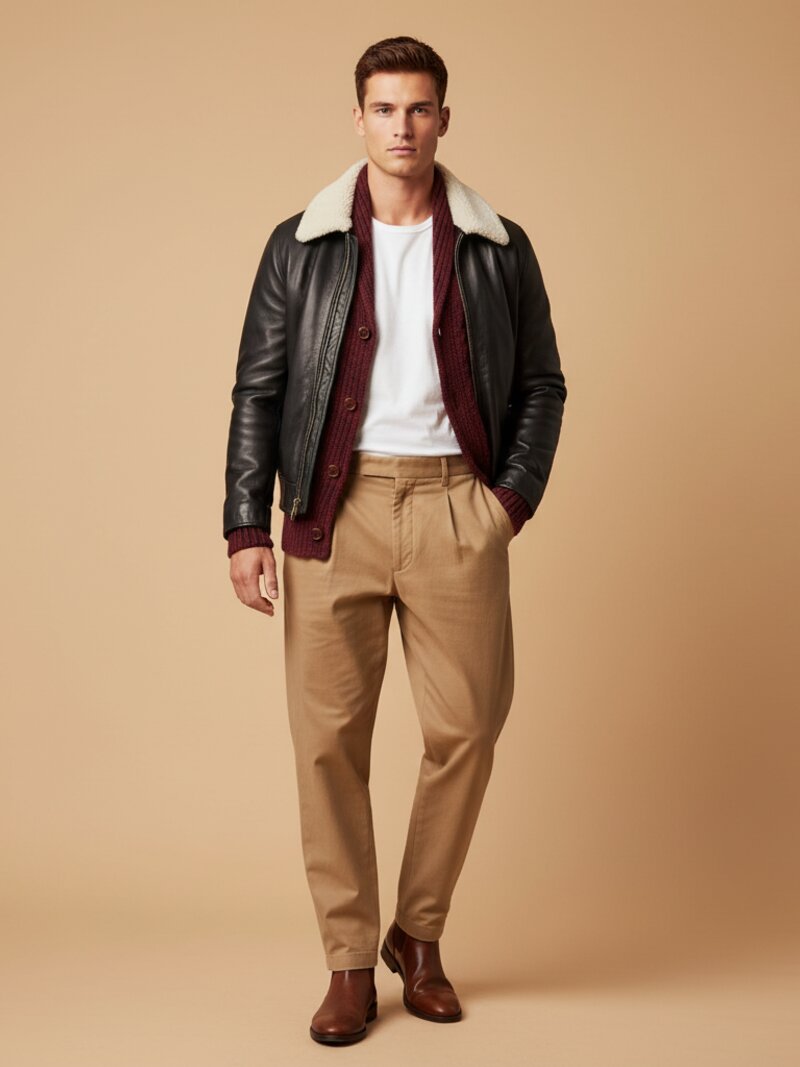
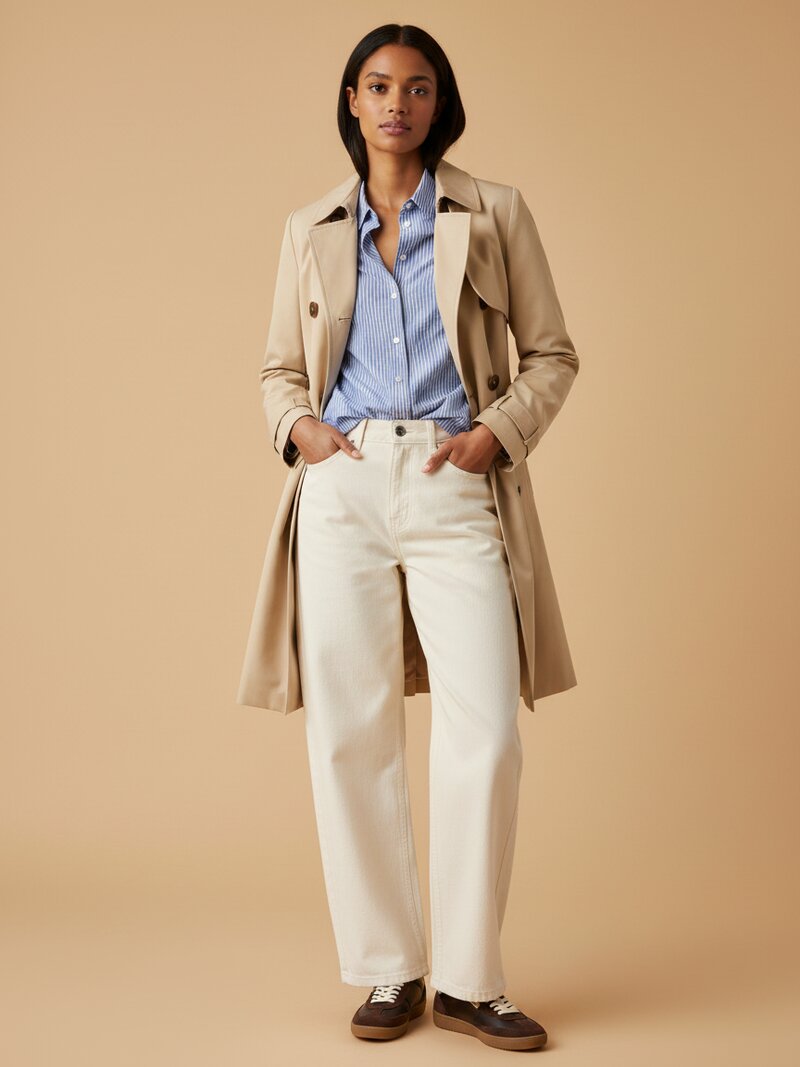
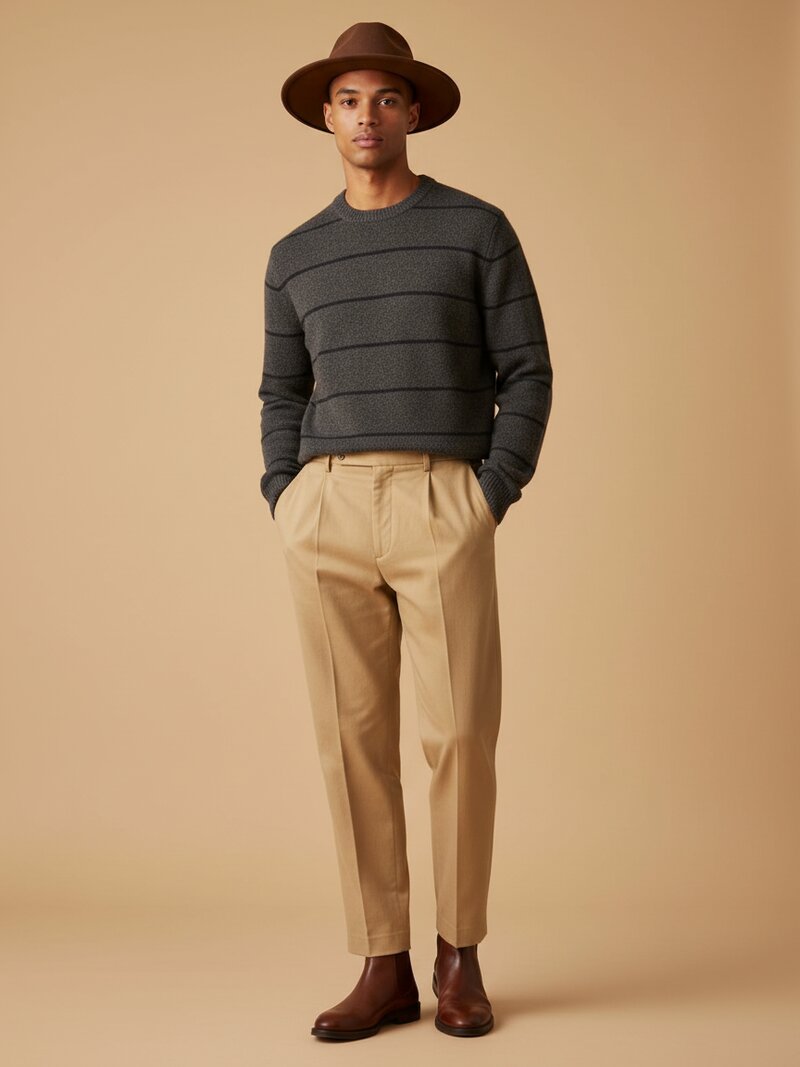
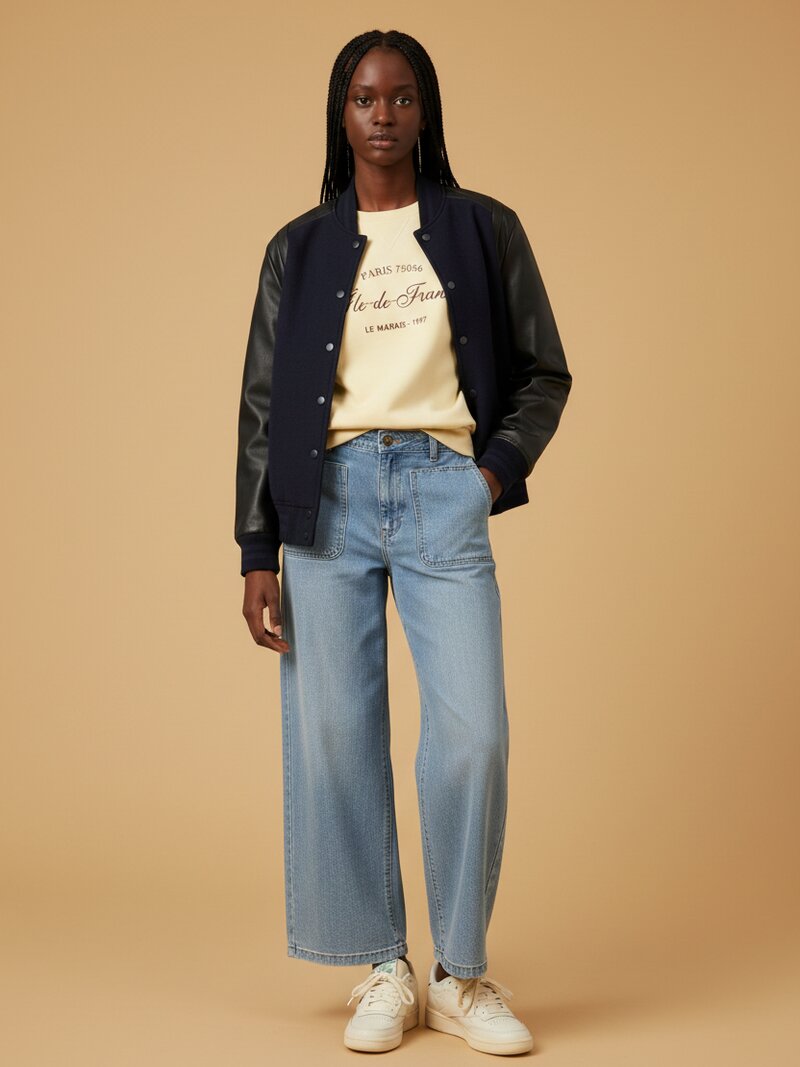
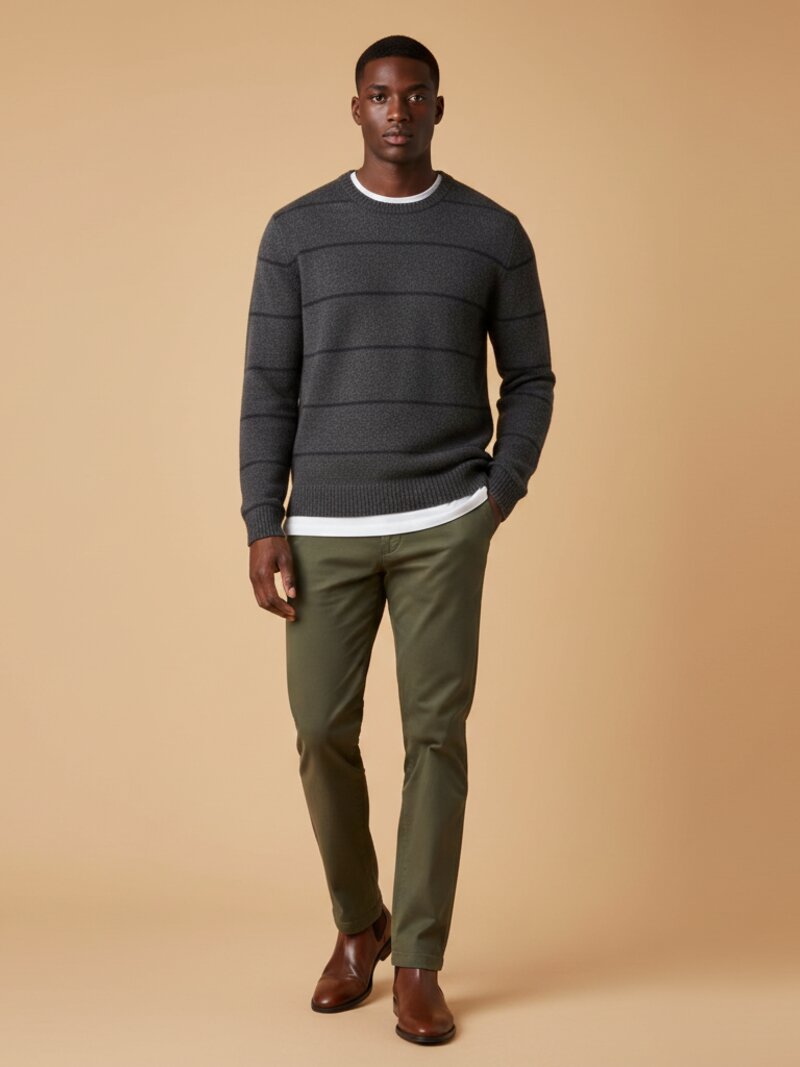
If you want to learn how to use AI to plan a week of outfits in 10 minutes, start by dropping the idea that AI should magically style your whole life with one vague prompt. The fastest results come from a simple system: give the tool a clean view of your core wardrobe, add context for the week ahead, then ask for multiple outfits at once.
This is why wardrobe-based tools like OutfitMaker.ai are more useful than generic inspiration boards. They work from what you actually own, which means the output is easier to wear, easier to repeat, and much closer to a real morning decision.
Why weekly outfit planning works better than daily guessing
Planning one day at a time feels easy, but it creates the same friction every morning. You open your closet, reconsider the weather, second-guess your shoes, and waste time rebuilding a look from scratch.
Weekly planning is faster because it lets AI solve the whole batch at once. In one short session, you can:
- cover workdays, workouts, dinners, and errands
- spot where you need layers, shoes, or a backup option
- repeat proven outfit formulas instead of reinventing everything
- reduce decision fatigue for the rest of the week
A practical answer to "what should I wear today" is really about batching the decision.
make this look from your own clothes
Stop scrolling generic looks. Snap your wardrobe, pick the occasion, and OutfitMaker builds the outfit from clothes you already own — then shows it on a model with Look Preview.
try it freeStep 1: Start with 15 to 25 core pieces
You do not need your entire closet to plan a week well. You need the pieces you are most likely to wear in the next seven days.
Pull in:
- 4 to 6 tops
- 3 to 4 bottoms
- 1 to 2 dresses or one-piece options if relevant
- 2 layers such as a blazer, cardigan, or jacket
- 2 to 3 pairs of shoes
- 1 to 2 bags or key accessories
This gives the AI enough variety to build outfits without overwhelming the recommendation engine. If your wardrobe management software supports photos and auto-tagging, make sure categories and colors are correct. Bad labels lead to bad outfits.
Step 2: Map the week before you generate
The tool needs more than clothes. It needs context.
Before generating anything, note the week ahead in plain language:
- Monday: office, polished but comfortable
- Tuesday: work from home, casual
- Wednesday: dinner out, slightly elevated
- Thursday: errands and gym
- Friday: travel day or flexible schedule
Then add weather, dress code, and any hard constraints. For example:
- one rainy day means waterproof shoes
- a client meeting means a smarter layer
- a long commute means comfort matters more than novelty
This is the step most people skip, and it is the difference between helpful recommendations and random combinations.
Step 3: Ask for all seven outfits at once
Once your wardrobe and week are defined, generate the whole plan in one request. Here is a prompt format that works well with any AI outfit generator:
Build a seven-day outfit plan from my wardrobe for this week. Monday needs a polished office look, Tuesday should be casual for working from home, Wednesday should feel elevated for dinner, Thursday needs an active casual outfit, and Friday should be comfortable for travel. Weather is mild with one rainy day. Use my most versatile shoes and avoid repeating the same jacket twice in a row.
That single prompt gives the AI the ingredients it needs to make trade-offs intelligently. It can vary silhouettes, avoid repetitive combinations, and assign the right level of polish to each day.
If you are serious about planning a week of outfits with AI, this is the step that saves the most time. One strong prompt beats seven rushed ones.
Step 4: Make three fast edits
Do not over-style the results. Just review the output like a practical stylist would.
Check repetition
If the same jeans, blazer, or sneakers appear too often, ask for more variety. Repetition is fine, but it should look intentional rather than lazy.
Check reality
Ask whether each outfit works for your actual day. Can you walk in it? Commute in it? Sit in it for hours? AI can still suggest combinations that look good on paper but fail in real life.
Check transitions
Make sure one piece can bridge multiple contexts. A good overshirt, blazer, or pair of loafers can tighten the whole week. When AI identifies those workhorse items, planning gets easier every time.
Step 5: Save the winning formulas
The goal is not just one efficient week. The goal is to create reusable formulas you can reapply next week, next month, next season. Once you find a combination that genuinely works, save it.
Tag your favorites by context:
- two strong office formulas
- one go-to dinner look
- one travel uniform
- one weekend default
Now you are not styling from scratch. You are choosing from a short list of proven looks and swapping in fresh colors, layers, or accessories as needed. That is the real shift — outfit planning becomes a 60-second decision instead of a 15-minute one.
A realistic 10-minute breakdown
Here is what the full workflow looks like when you do it well:
- minutes 1 to 2: pull the week's calendar and weather
- minutes 3 to 5: confirm 15 to 25 core wardrobe items are clean and ready
- minutes 6 to 8: write the prompt and generate the seven-day plan
- minutes 9 to 10: do a fast edit pass and save the winning formulas
Ten minutes is enough because most of the heavy work — wardrobe digitization, item tagging, color and category structure — was done once, ahead of time. You are not building from scratch every week. You are running a system.
Common mistakes that slow people down
Even people using strong tools waste time when they make these errors.
Generating one outfit at a time
Batching is the whole point. Asking the AI seven separate questions takes seven times as long and produces less coherent results.
Skipping context
If you do not tell the AI about the dinner, the rain, or the meeting, it will guess. Two extra sentences of context produce dramatically better plans.
Treating the output as final
AI is fast, but it is not your stylist. A 30-second edit pass turns a good plan into a wearable one.
Forgetting to save
A great outfit you do not save is one you will rebuild from zero next week. Save the formulas. Reuse them.
Why this beats inspiration scrolling
The reason this workflow is so much faster than scrolling style content is that it produces decisions, not ideas. Inspiration is fun. Decisions are useful. When you finish a 10-minute planning session, you have something concrete: seven outfits that match your week, your wardrobe, and your life.
That is a different category of value than a feed of pretty looks you will not actually wear. It is what a good outfit creator workflow should feel like.
Final takeaway
The full answer to how to use AI to plan a week of outfits in 10 minutes comes down to one principle: do the work upfront, then batch the weekly decision.
Set up your wardrobe well once. Map your week in two minutes. Generate seven outfits in one prompt. Refine for five minutes. Save what works.
Do that consistently and AI styling stops being a novelty. It becomes a small, repeatable habit that gives you back the time you used to spend standing in front of your closet.
If you want to skip the guesswork and run this exact workflow on a real wardrobe, start a premium trial with OutfitMaker.ai. It is the most direct way to turn 10 minutes of weekly planning into seven outfits you will actually wear.