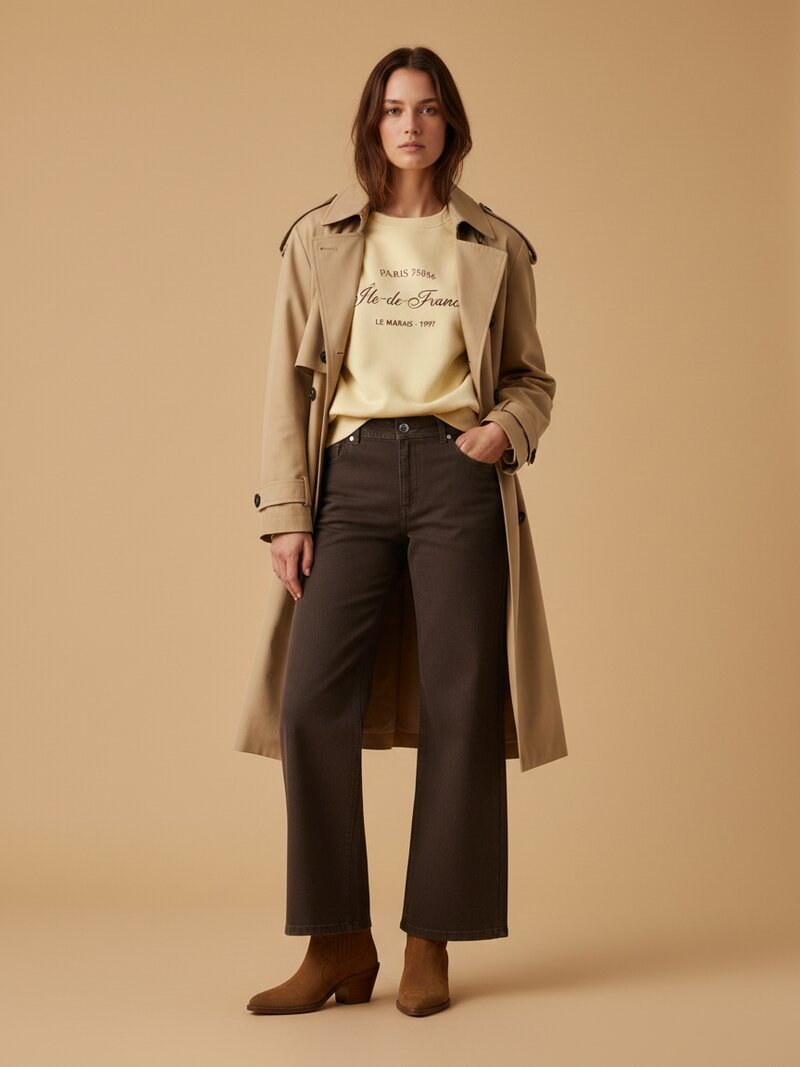
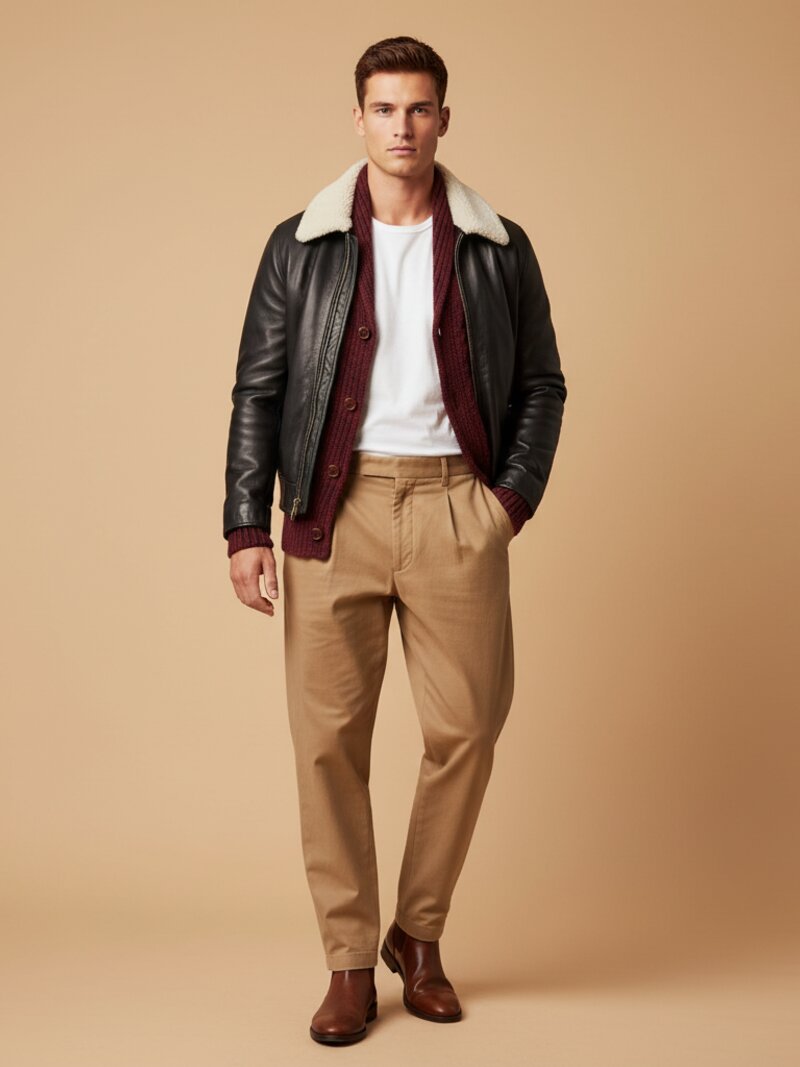
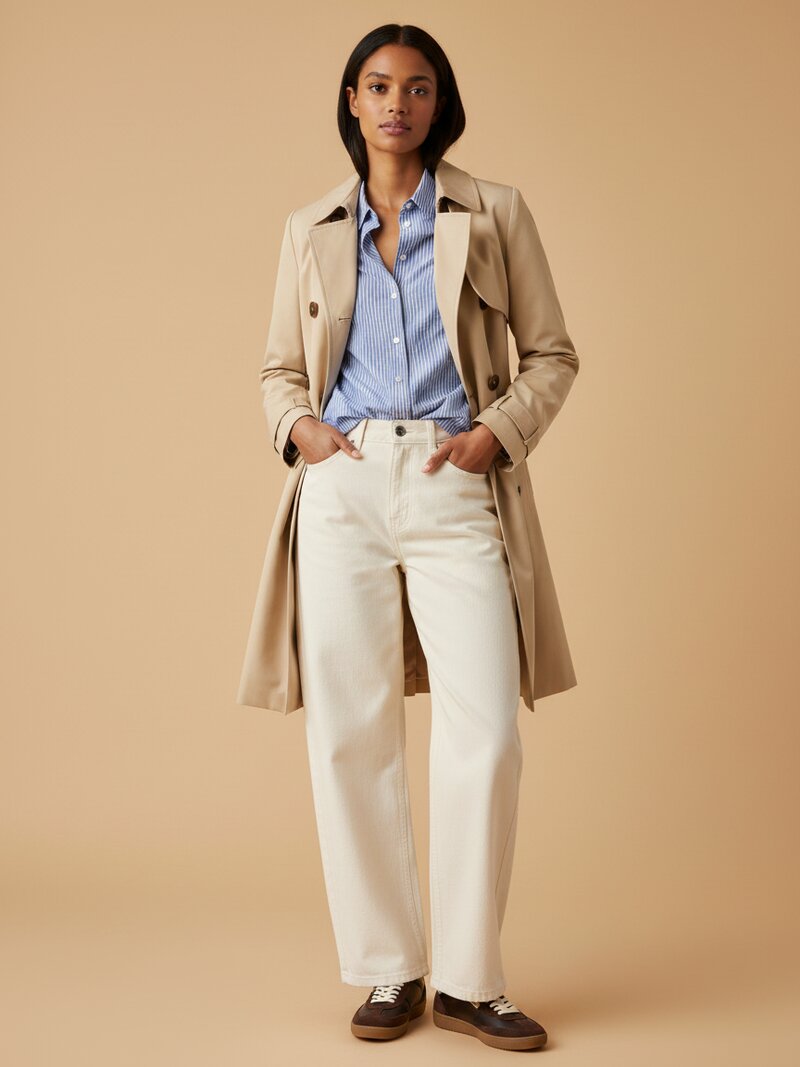
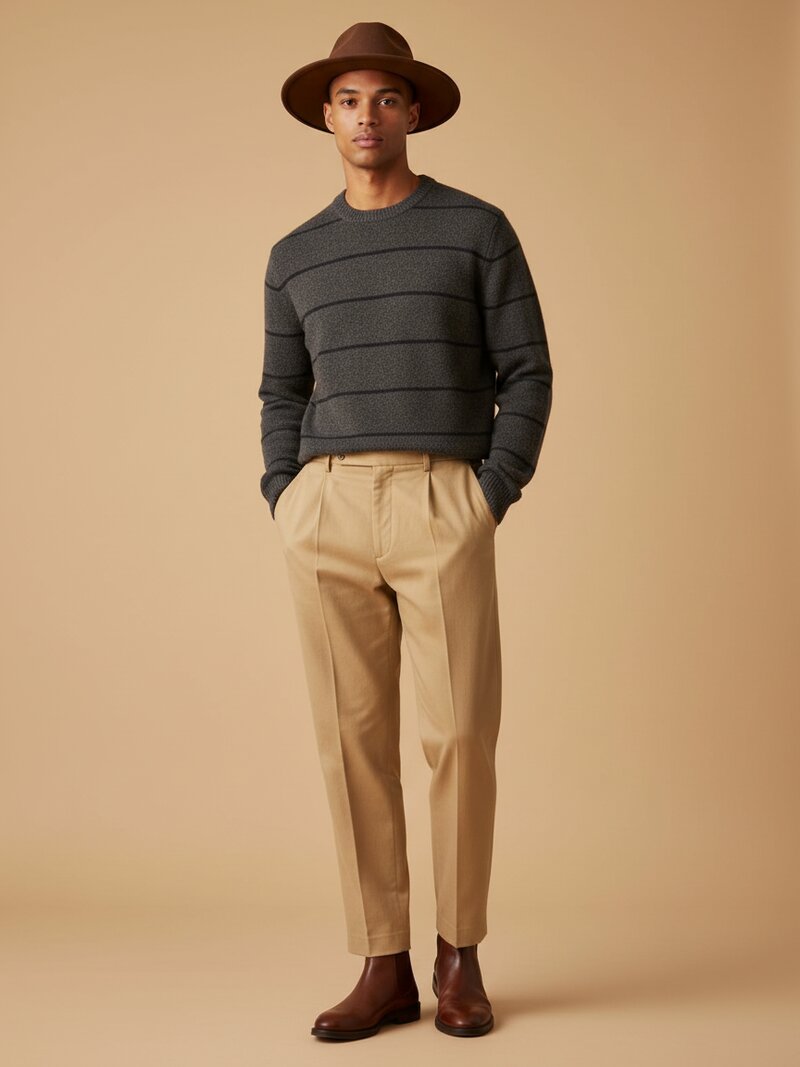
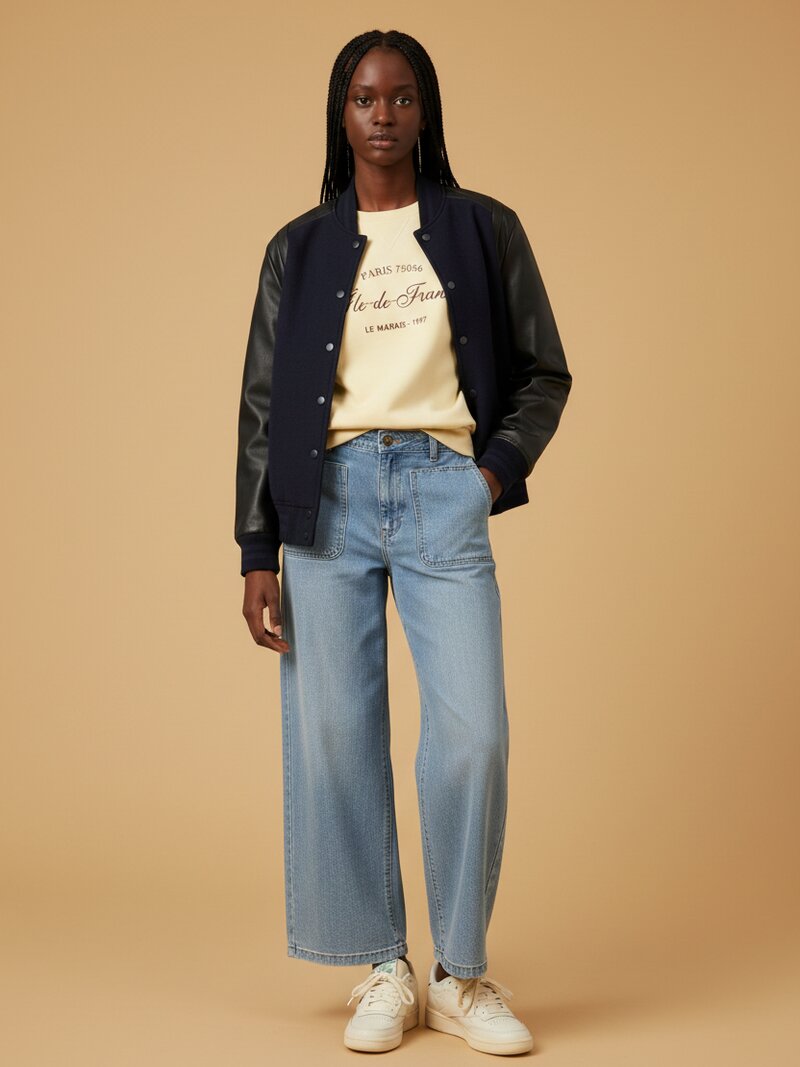
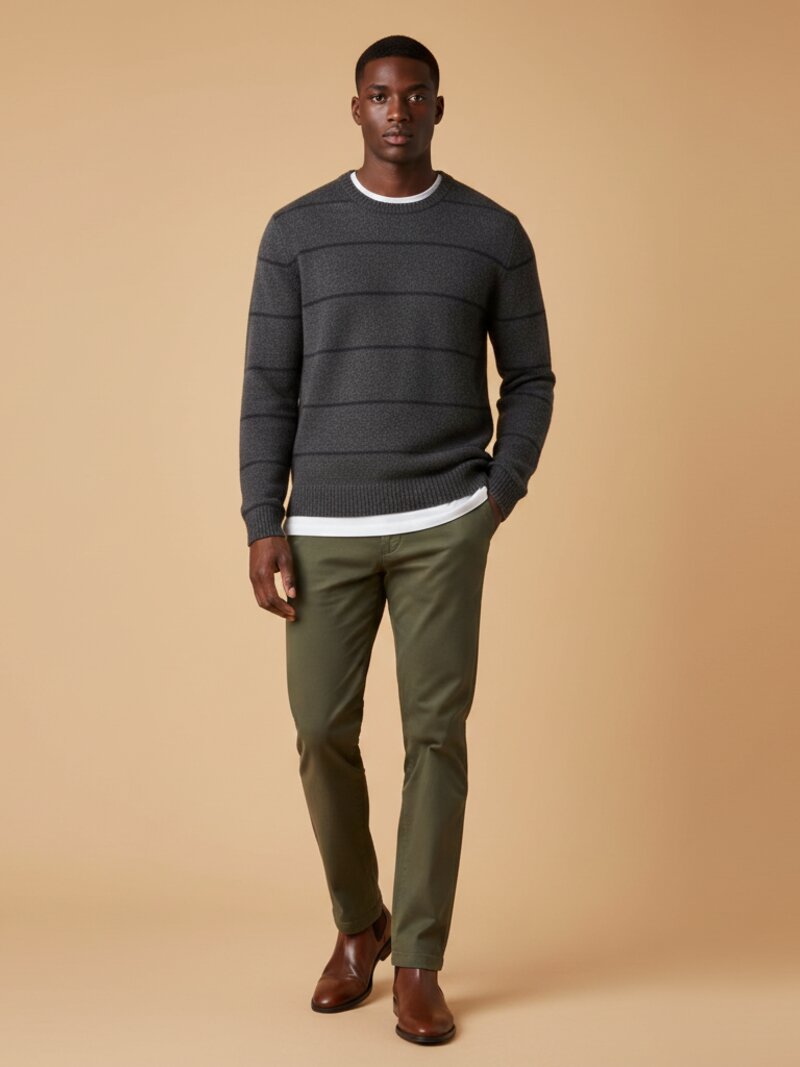
If you have ever stood in front of a full closet and still felt like you had nothing to wear, you already understand why the AI outfit generator category is growing so quickly. Instead of scrolling endless style inspiration, you use AI to create practical outfits from the clothes you actually own.
In this guide, you will learn how to use an AI outfit generator step by step and get results that feel personal instead of random.
What an AI outfit generator actually does
An AI outfit generator helps you combine clothing items into complete looks based on inputs such as category, color, season, occasion, weather, and personal style preferences. Some tools work from inspiration images. Better tools work from a digital version of your own closet.
If the AI only knows trends, it can give you beautiful but unusable ideas. If it knows your wardrobe, it can suggest outfits you can wear today. That is why wardrobe-based tools like OutfitMaker.ai are useful for real decision-making.
make this look from your own clothes
Stop scrolling generic looks. Snap your wardrobe, pick the occasion, and OutfitMaker builds the outfit from clothes you already own — then shows it on a model with Look Preview.
try it freeStep 1: Build a clean digital wardrobe
The quality of your outfit suggestions depends on the quality of your wardrobe data. Before you ask the AI to style you, give it a clear picture of what you own.
Photograph the pieces you actually wear
Start with your most-used items:
- jeans and trousers
- tops and knits
- jackets and outerwear
- dresses or one-piece outfits
- shoes
- bags and accessories
You do not need to digitize your entire closet in one sitting. Start with 20 to 40 core pieces. That is usually enough to generate strong everyday looks.
Make sure items are categorized correctly
An AI outfit generator needs structure. If a blazer is labeled as a shirt or boots are tagged as sneakers, the recommendations will feel off. Good wardrobe management software helps auto-tag items by type, color, and sometimes fabric or season.
Step 2: Define the situation before you generate
One of the biggest mistakes people make is asking AI for "an outfit" without enough context. Great outfits are situational. They depend on where you are going, what the weather is doing, and how you want to feel.
Before generating options, define:
- occasion: office, dinner, travel day, weekend errands, date night
- weather: hot, cold, rainy, windy, transitional
- dress level: casual, smart casual, polished, formal
- mood: relaxed, confident, creative, minimal, elevated
Give the AI a clear prompt
A better prompt leads to better output. For example:
Create a smart casual outfit for a mild 65F day using my blue jeans, white shirt options, and one lightweight jacket. I want it to look polished but easy.
That is far more useful than:
The more specific you are, the more the AI can narrow the outfit into something wearable.
Step 3: Generate three outfit directions, not one
The fastest way to use an AI outfit generator well is to ask for options. One outfit can feel limiting. Three outfits create perspective.
Ask for:
- a safe version
- a more elevated version
- a more creative or trend-forward version
This helps you compare silhouettes, layers, and accessories without overthinking.
Look for outfit formulas
The real value of AI is not only the single outfit it gives you. It is the repeatable formula behind it.
For example:
- straight-leg jeans + fitted knit + structured jacket + loafers
- midi skirt + tucked tee + belt + low heel
- wide-leg trousers + tank + overshirt + sneakers
Once you notice formulas that keep appearing, you can reuse them with different colors and textures. That turns AI from a one-time helper into a styling system.
Step 4: Refine the output like a stylist would
AI gives you a starting point. You still need one quick editing pass.
Check balance and proportion
Ask whether the outfit has enough contrast:
- fitted top with wider bottoms
- softer fabric with more structure
- simple base with one statement piece
If everything is oversized, shiny, or visually heavy, the look can collapse.
Edit for comfort and reality
A good AI outfit creator should save time, not create fantasy. If the outfit is technically stylish but wrong for your commute, office, or daily life, edit it fast.
Swap:
- heels for loafers or clean sneakers
- a stiff blazer for a softer layer
- delicate fabrics for easier-care versions
The best outfit is the one you will actually wear.
Use accessories to finish, not rescue
Accessories should complete a good look, not fix a weak one. Once the base outfit works, ask the AI to suggest:
- one bag option
- one shoe option
- one jewelry direction
- one outer layer if needed
That keeps the result sharp and wearable.
Step 5: Save your best looks and build a repeatable wardrobe system
Most people use AI styling as a one-off tool. The smarter approach is to use it to create a reusable outfit library.
Save winning combinations by category:
- work outfits
- quick weekend looks
- weather-specific outfits
- travel formulas
- event outfits
Over time, you will stop starting from zero every morning. Instead, you will open a set of proven looks and refine from there.
Common mistakes when using an AI outfit generator
Even strong tools can produce weak results if the setup is poor. Avoid these common errors:
Uploading too little wardrobe variety
If your closet data only includes tops and no shoes, layers, or bottoms, the AI will have less room to build complete looks.
Ignoring seasonality
Tag items by weather and season if the tool allows it. Otherwise, you may get combinations that look good on screen but fail in real life.
Treating every outfit like a trend exercise
AI can chase novelty too easily if you let it. Most great personal style comes from refinement, not constant reinvention.
Forgetting your lifestyle
The ideal output should match how you really live. A perfect outfit for a photo is not always the perfect outfit for your calendar.
Why wardrobe-based AI beats generic style inspiration
Traditional style inspiration is broad. It helps you see possibilities, but it rarely helps you decide. A wardrobe-based AI outfit generator is stronger because it works with constraints:
- your closet
- your weather
- your schedule
- your style comfort zone
This is also why OutfitMaker.ai fits so well into the category. It is designed around real wardrobe inputs, outfit suggestions, and context-aware planning rather than pure visual inspiration.
Final takeaway
The perfect outfit is usually not a dramatic fashion moment. It is an outfit that feels right for the day, fits your style, and uses what you already have well. An AI outfit generator helps you get there faster by turning wardrobe data into clear decisions.
If you want better results, follow this sequence:
- digitize your core wardrobe
- define the situation clearly
- generate multiple directions
- refine for balance and comfort
- save the best combinations as repeatable formulas
That is how you go from "What should I wear?" to a system that actually works.
If you want to stop guessing, build outfits from the clothes you already own, and make daily outfit decisions faster, start a premium trial with OutfitMaker.ai. It is one of the fastest ways to turn a digital wardrobe into a repeatable styling system.