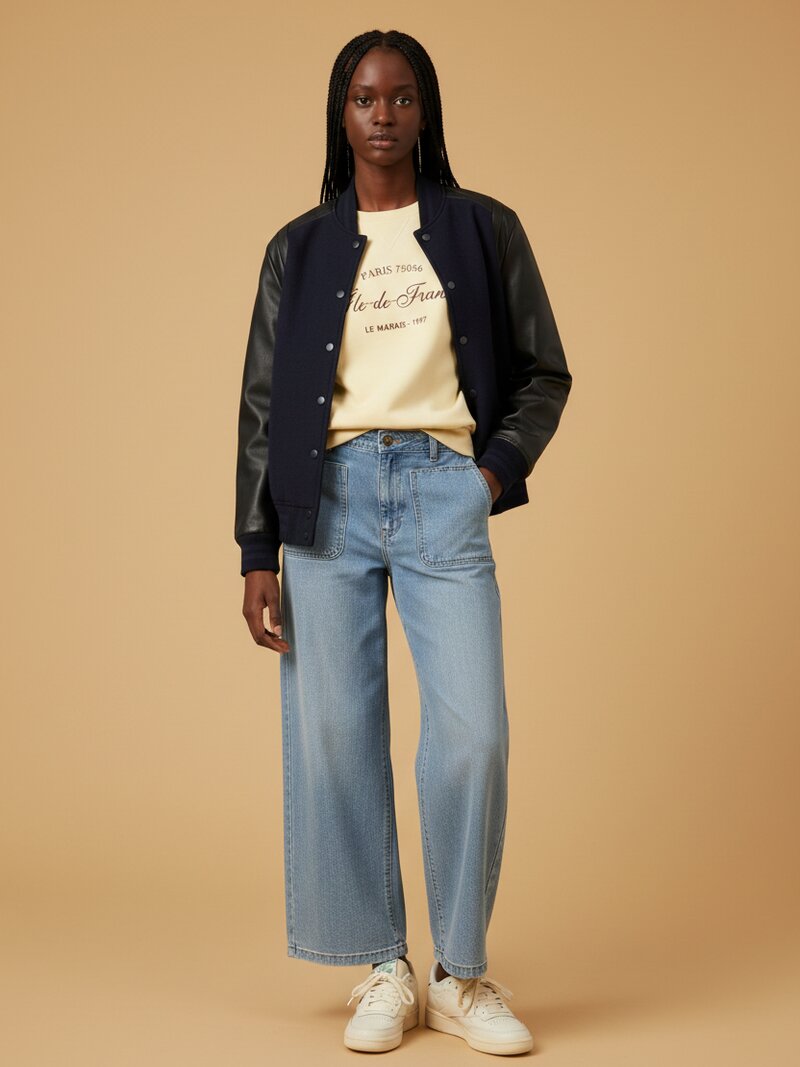
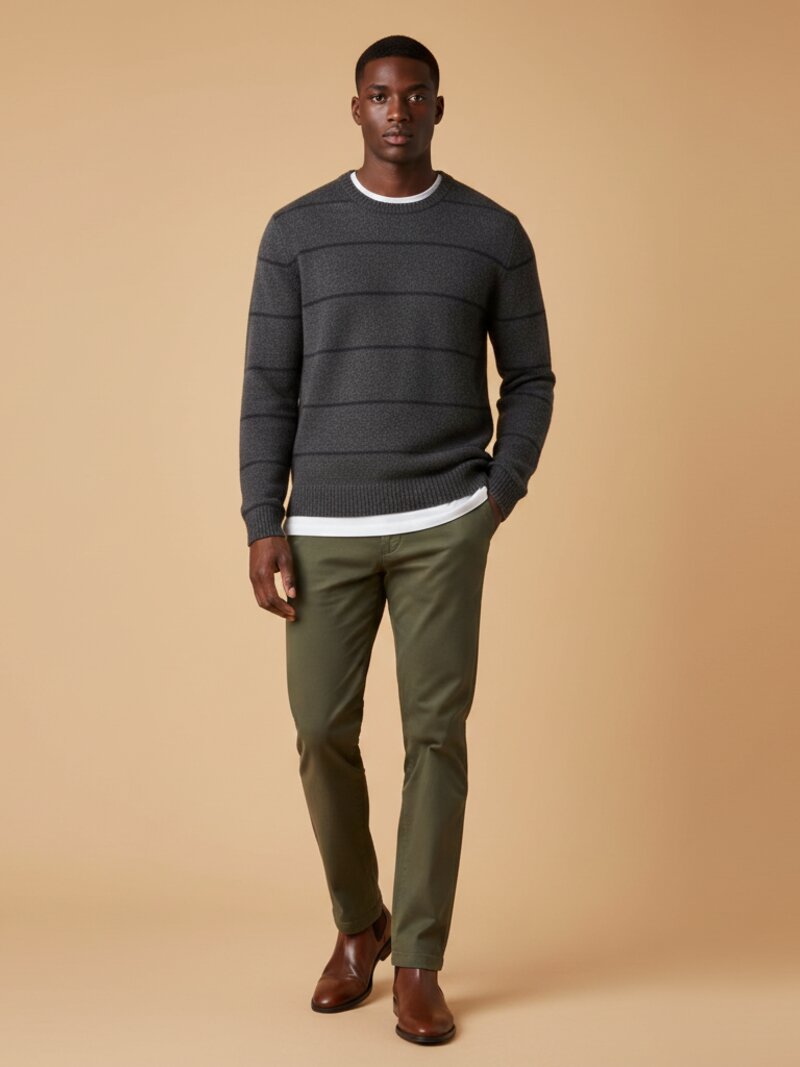
You want to sell clothes on Vinted but you do not want to model them yourself. Maybe the item is not your size, maybe you sell 20 pieces a week and trying everything on is not realistic, or maybe you just do not want your face on a marketplace. Fair enough.
You have three real options: hanger shots, flat lays, and AI worn photos. Each one has a job it does well and a job it does badly. Here is the honest comparison.
Option 1: The hanger shot
Hang the garment on a plain wall or a door, step back, shoot. Done in 30 seconds.
What it does well: speed and shape. Gravity pulls the fabric down, so a blazer, a coat or a structured shirt shows its actual silhouette. Buyers can see shoulder width, length, and how the piece drapes. For outerwear, a hanger shot is often the strongest first photo you can take.
Where it falls short: flat light kills texture. A wall-mounted garment tends to sit in its own shadow, so knits look lifeless and dark fabrics turn into black rectangles. Use a wooden or velvet hanger, never wire (wire hangers scream "closet clearout" and distort the shoulders). And a hanger still tells the buyer nothing about how the piece fits a real body.
Best for: coats, blazers, dresses with structure, shirts.
make this look from your own clothes
Stop scrolling generic looks. Snap your wardrobe, pick the occasion, and OutfitMaker builds the outfit from clothes you already own — then shows it on a model with Look Preview.
try it freeOption 2: The flat lay
Lay the garment on the floor or a bed, smooth it out, shoot from above.
What it does well: total control. You decide every fold, you can style the item with accessories, and the result looks Instagram-clean. Flat lays are ideal for t-shirts, knitwear, jeans and anything with a print you want to show flat and sharp. They also make measuring easy: lay a tape measure next to the item in one photo and you will cut buyer questions in half.
Where it falls short: a flat lay answers zero fit questions. A garment pressed flat can look boxy when it is actually fitted, or shapeless when it actually drapes beautifully. Vinted's own seller data and every reseller forum agree on the pattern: listings that only show flat photos get more "how does it fit?" messages and slower sales on fitted pieces.
Best for: t-shirts, knits, jeans, printed pieces, accessories.
Option 3: The AI worn photo
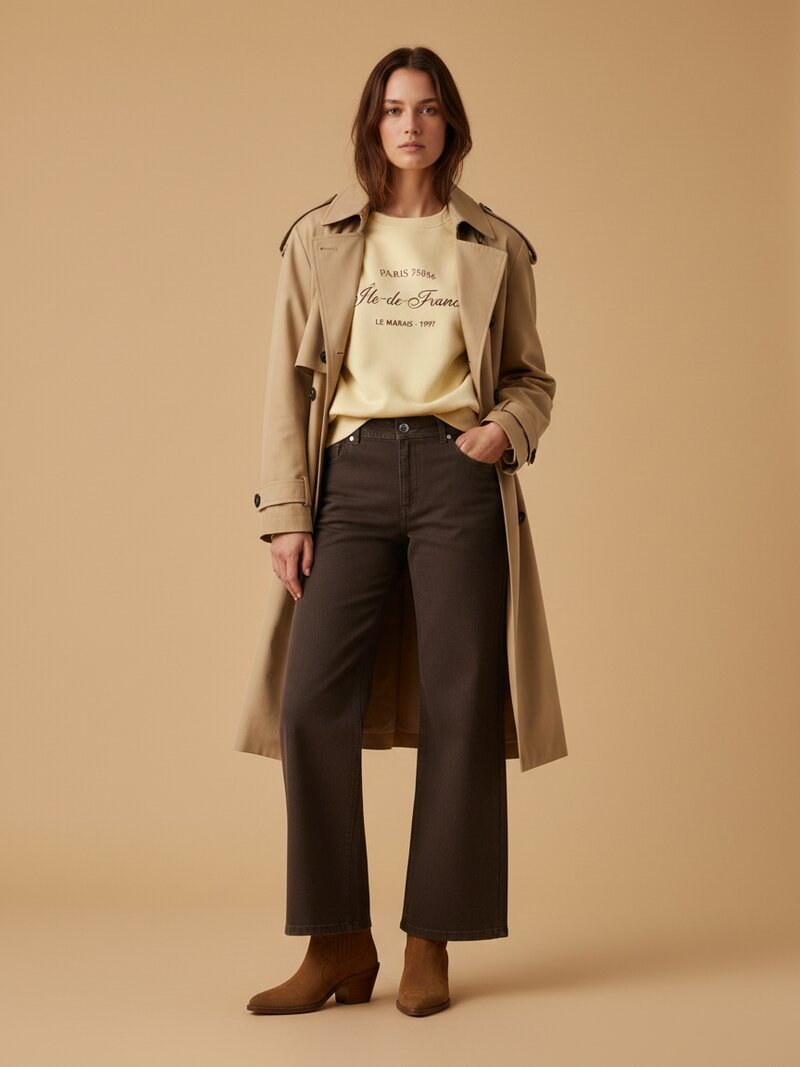
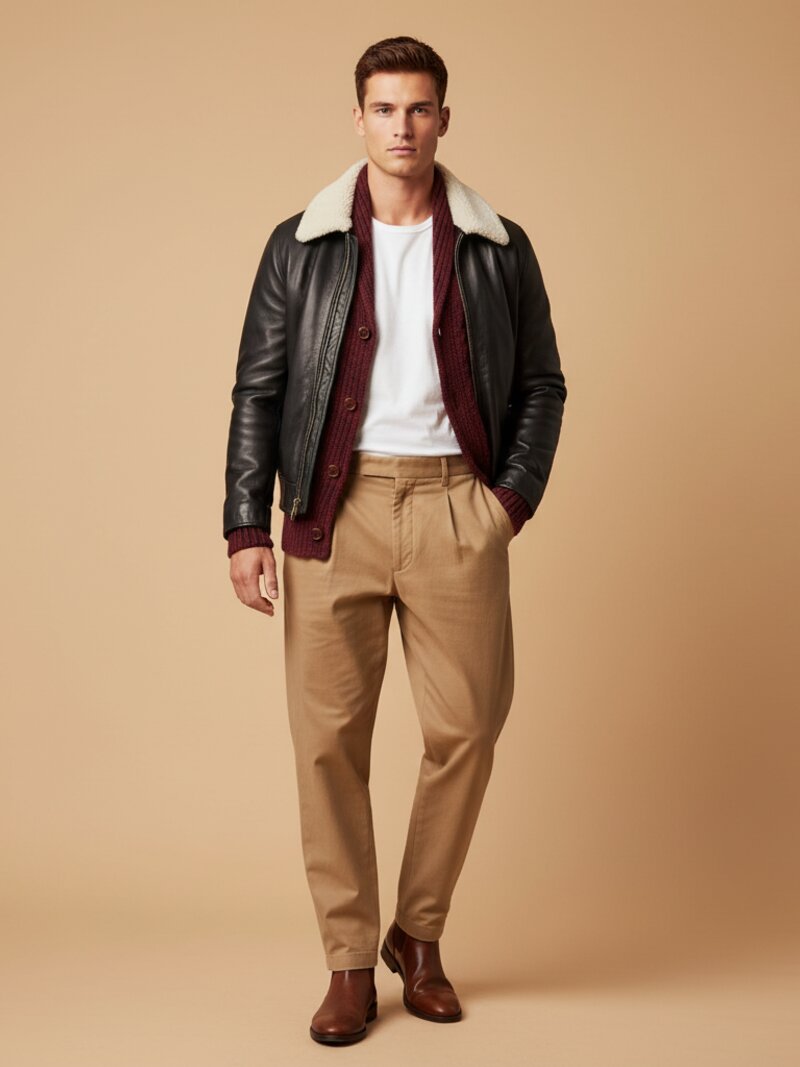
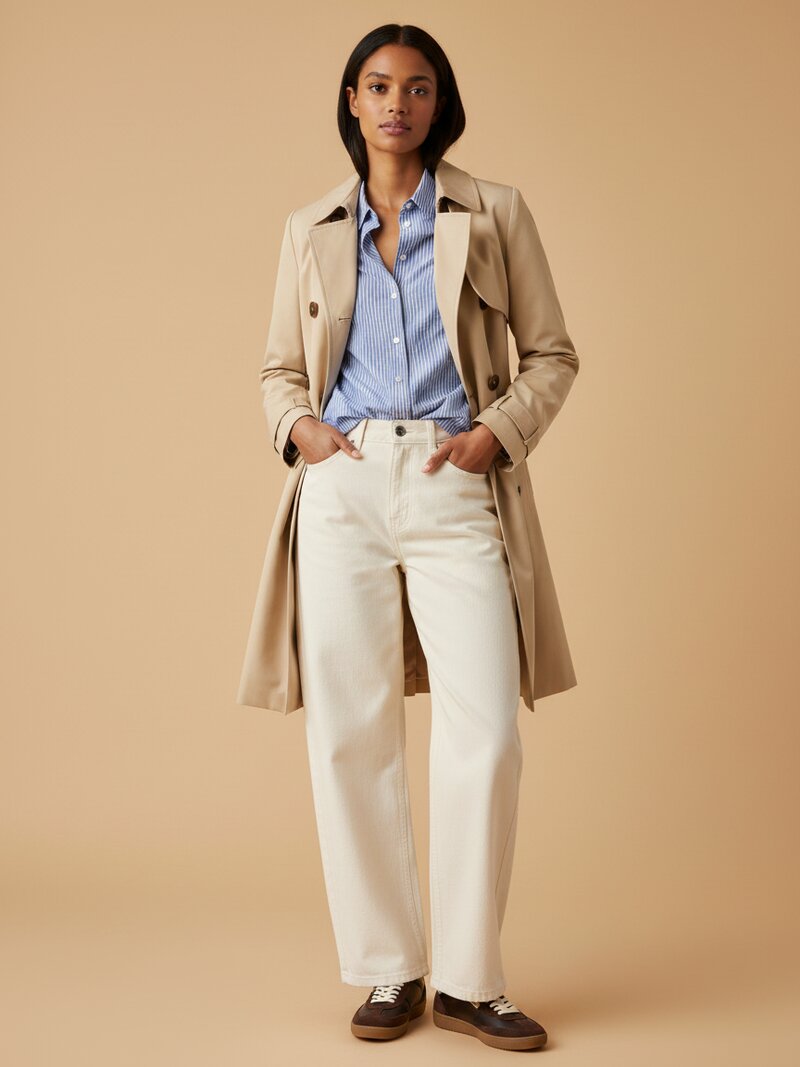
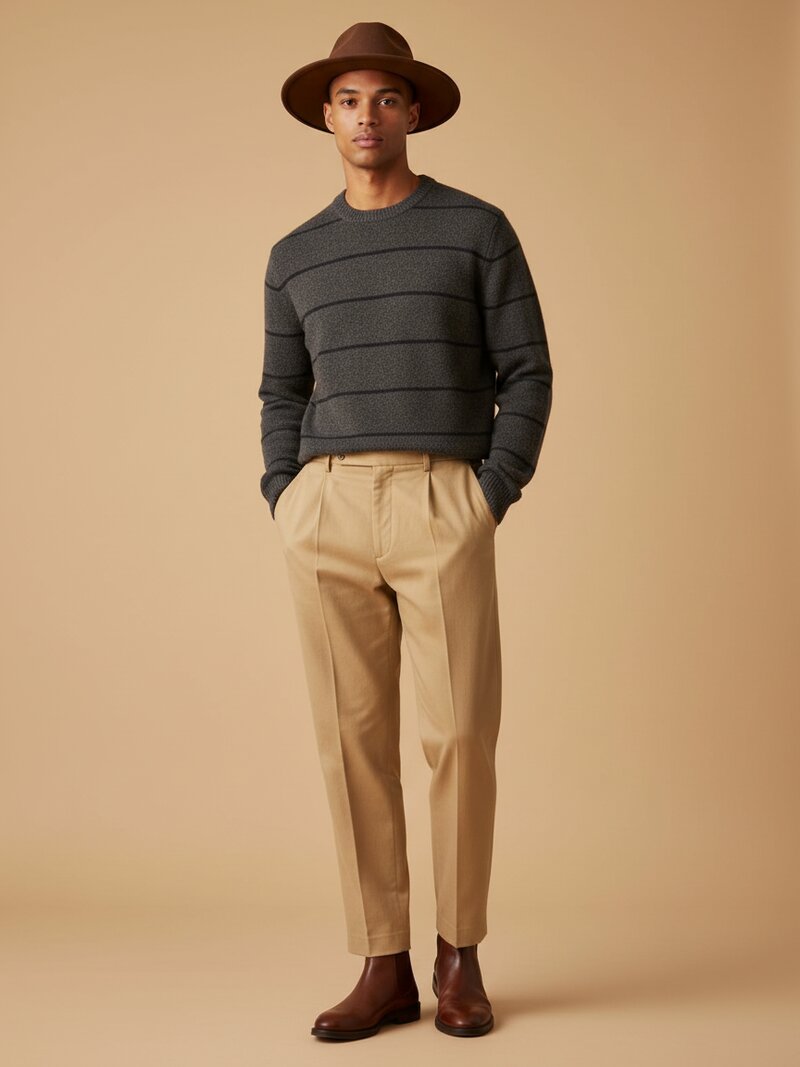
This is the newest option. You take one real photo of your garment (hanger or flat lay, your choice), and an AI generates a photo of the piece worn on a model body. With OutfitMaker's Vinted photo generator it takes about 20 seconds per photo.
What it does well: it answers the one question the other two formats cannot: what does this look like on a body? Length on the leg, where the waist sits, how the fabric moves. That is the information buyers message you about, and the information that closes sales on fitted pieces.
The rule you must respect: Vinted requires the first photo of your listing to be the real garment you are selling. AI photos are tolerated as supplementary shots only. So the correct structure is: real photo in position 1, AI worn photo in positions 2 or 3, detail shots after. OutfitMaker is built around this: every worn photo starts from a real photo of your actual garment, so what the AI shows is your item, not a generic lookalike.
Pricing, transparently: your first AI photo is free. After that, packs start at 2.99 EUR for 5 photos, one-time purchase, no subscription. If you sell two items a month, you pay for two items a month.
Best for: fitted pieces, dresses, anything where fit is the buying decision.
Lighting and background tips that improve all three
Whatever format you choose, these four habits raise your photo quality immediately:
- Shoot next to a window, not under it. Side light from a window reveals fabric texture. Overhead ceiling light flattens everything and adds a yellow cast.
- Skip direct sunlight. A bright but overcast day, or a window without direct sun, gives you soft shadows and true colors. Harsh sun creates hard shadow lines across the garment.
- Keep the background boring. A white wall, a plain bedsheet, a clean wooden floor. The buyer's eye should land on the garment in under a second. Radiators, cables and laundry baskets in frame measurably reduce clicks.
- Match your backgrounds across the listing. Five photos with five different backgrounds look chaotic. Same spot, same light, same angle logic: the listing reads as trustworthy.
The verdict
Do not pick one format. Combine them:
- Photo 1: real photo, hanger or flat lay depending on the garment (Vinted rule, and it builds trust).
- Photos 2-3: AI worn photo to answer the fit question before it gets asked.
- Photos 4-6: details, label, composition, any defects.
That structure gives buyers shape, styling and fit in the first three thumbnails, which is exactly the order they decide in. Try it on your next listing: the first AI worn photo is free, so the experiment costs you nothing but 20 seconds.